SRG Time Plugin Rpg Maker MZ NPC Lives
A downloadable tool
SRG Day & Night Cycle System
Plug and play Day and Night cycle that also comes with a way to create NPC schedules with the auto switches connected to the time of day. Create shops that are only open during the day or sketchy back alley vendors that only sell at night. Have npcs work during day and sleep at night! WHATEVER YOU CAN THINK OF!
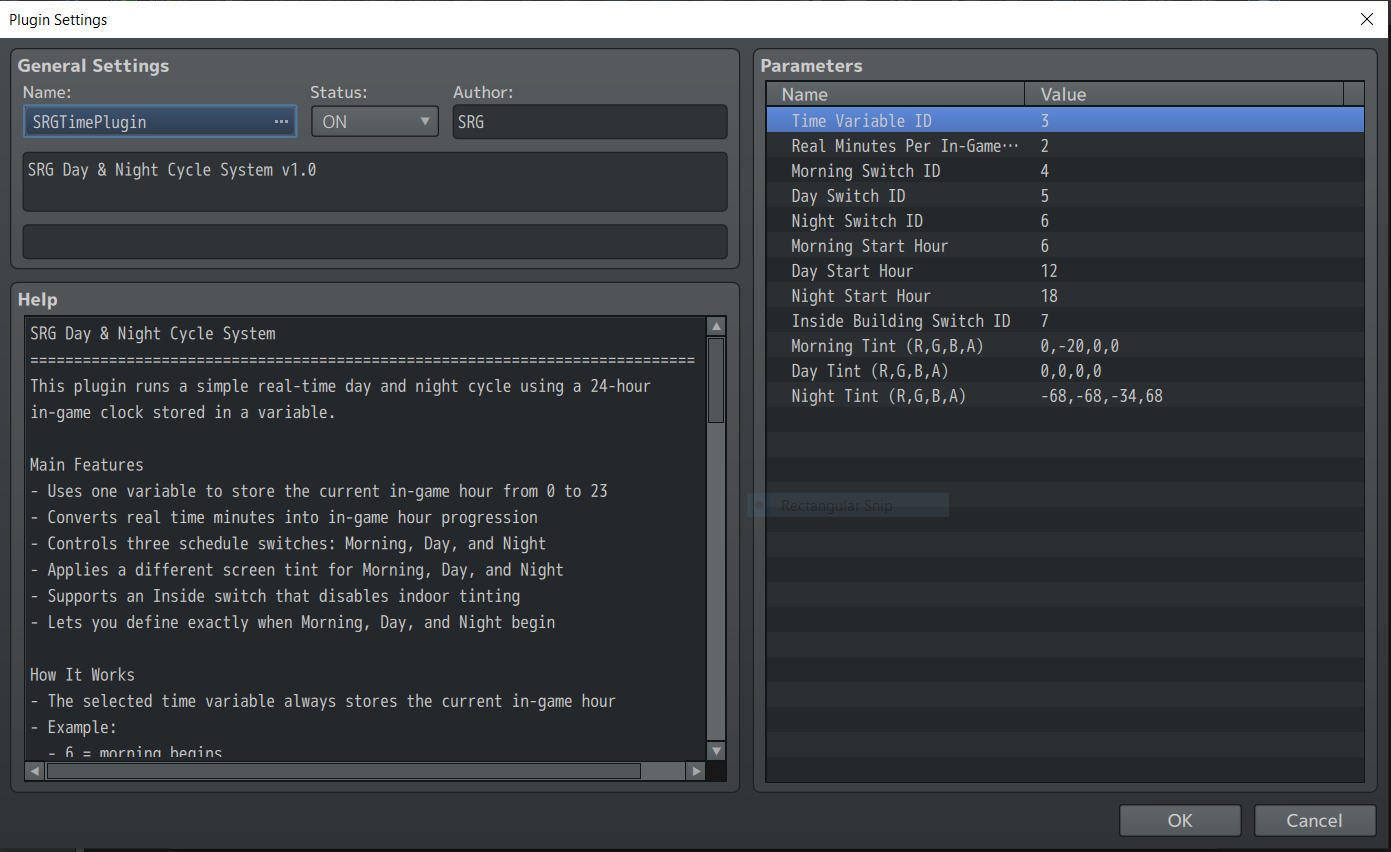
You set how many real time minutes it takes for [1] in game hour, you connect 3 switches to each of the times of day that automatically turn on and off. (Morning, Day, Night) these switches are your life blood for creating NPC Schedules.
Assign a variable that is responsible for holding the time of day! Set the switches, tweak the tint values and watch it run! You can even set the in game hours when the time switches over from morning -> day --> night. Since it is a variable you can create cool ways to manipulate time using skills or events.
All the information needed to get the plugin running is included in the plugin description which you can take a peak at below. The plugin is feature complete and easy to use, report any bugs or additional features you wish to see below via a comment! This plugin is for RPG Maker MZ only!
SRG Day & Night Cycle System [Full Help FIle and Overview Info]
============================================================================
This plugin runs a simple real-time day and night cycle using a 24-hour
in-game clock stored in a variable.
Main Features
- Uses one variable to store the current in-game hour from 0 to 23
- Converts real time minutes into in-game hour progression
- Controls three schedule switches: Morning, Day, and Night
- Applies a different screen tint for Morning, Day, and Night
- Supports an Inside switch that disables indoor tinting
- Lets you define exactly when Morning, Day, and Night begin
How It Works
- The selected time variable always stores the current in-game hour
- Example:
- 6 = morning begins
- 12 = day begins
- 18 = night begins
- These start hours are fully configurable in the plugin parameters
- The plugin turns ON only one of the Morning / Day / Night switches at a time
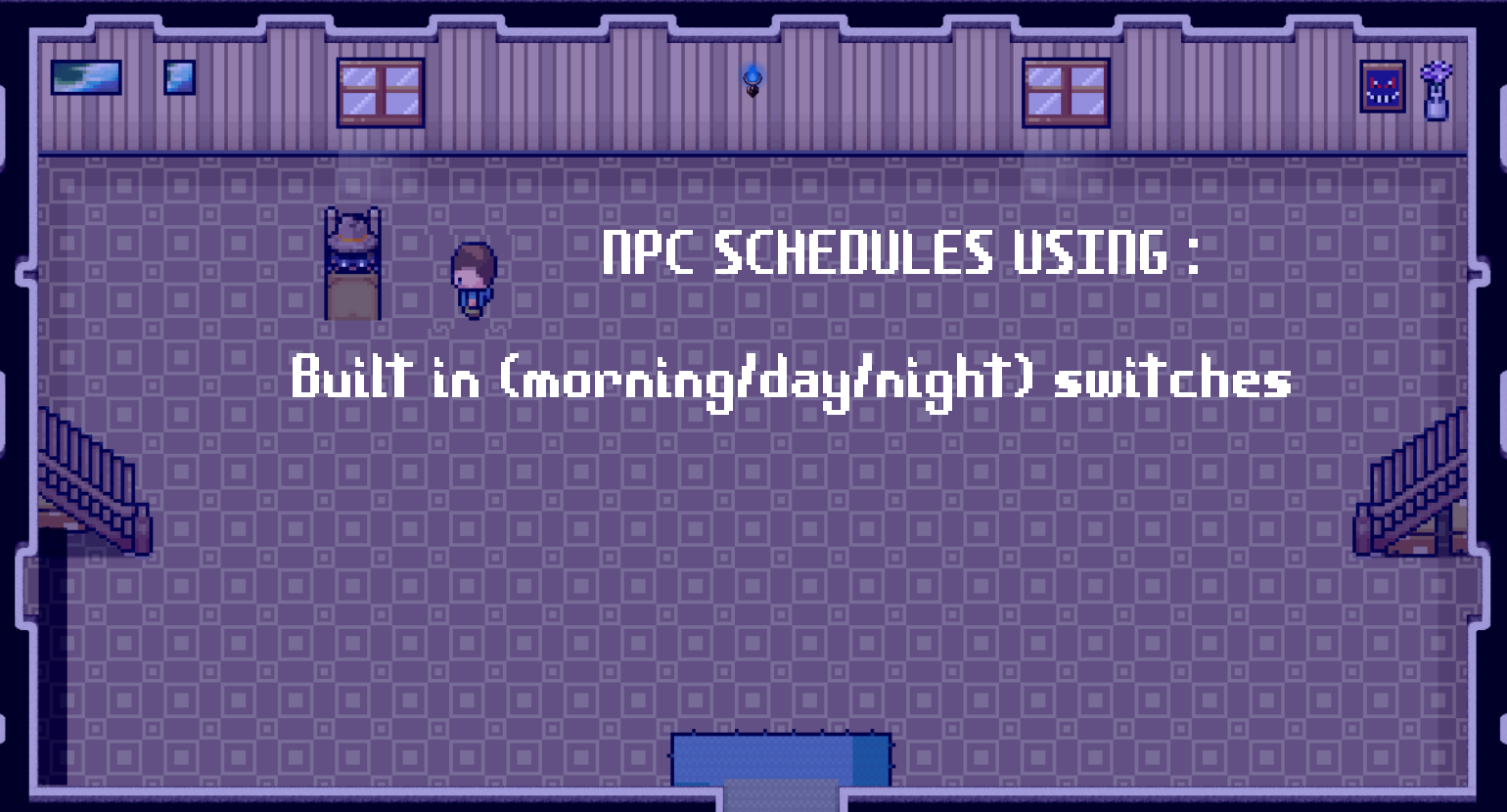
NPC Schedule Use Examples
- Morning switch ON:
An NPC can be taking a walk
- Day switch ON:
That same NPC can be working in a shop
- Night switch ON:
The NPC can be at home sleeping
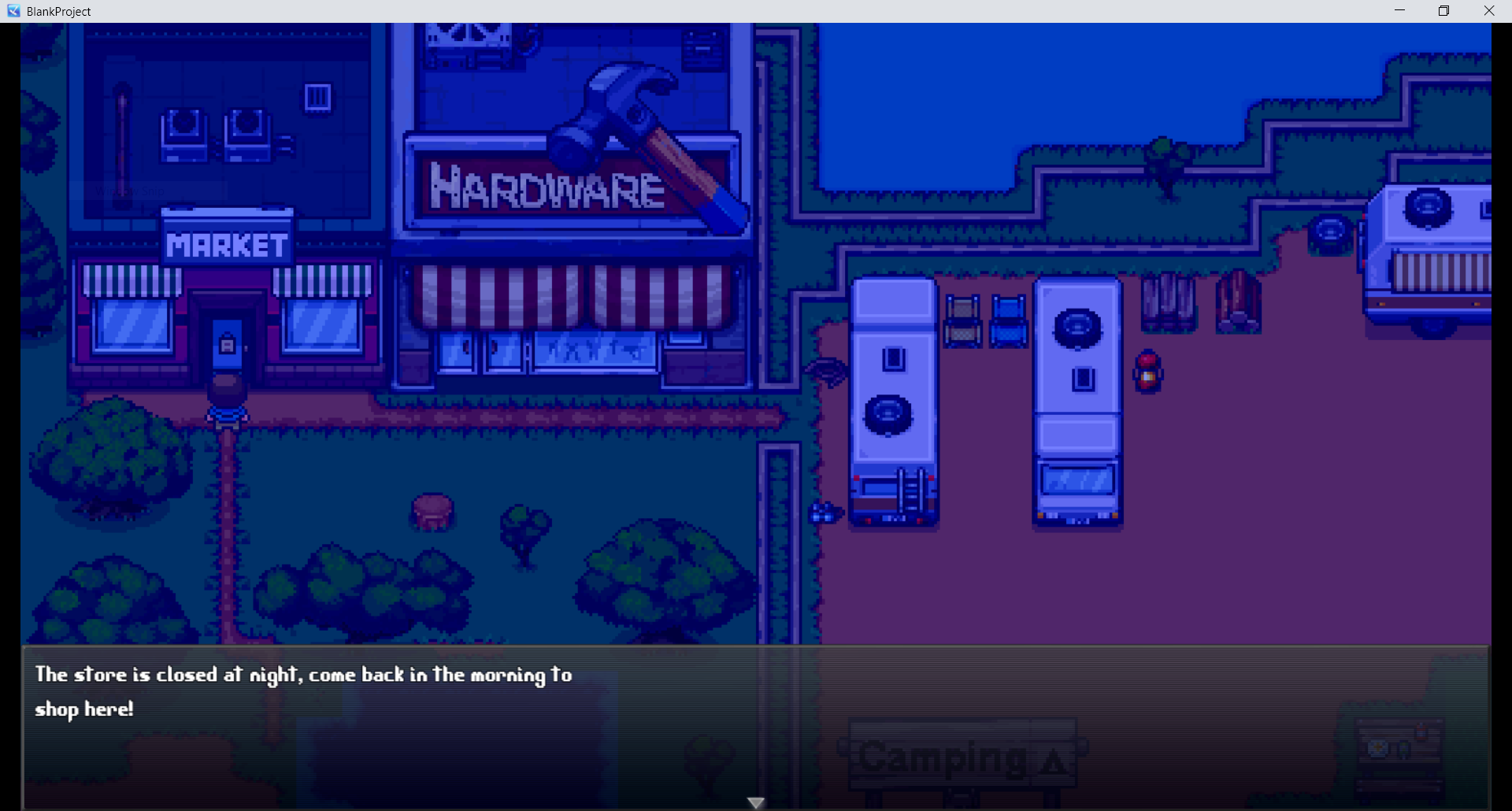
Store Hours Example
- Morning switch ON or Day switch ON:
Shop is open
- Night switch ON:
Shop is closed
Inside Switch Behavior
- If the Inside switch is ON, the plugin clears the screen tint so interiors
are not tinted by the outside time of day
- If the Inside switch is OFF, the current outdoor tint is applied again
Plugin Commands
- Start Time:
Starts or resumes the real-time clock and refreshes switches/tint
- Pause Time:
Stops time progression
- Resume Time:
Resumes time progression
- Set Time (Hour):
Directly sets the in-game hour from 0 to 23
- Add Hours:
Adds or subtracts hours from the current time
Parameter Notes
- Real Minutes Per In-Game Hour:
How many real-world minutes must pass before 1 in-game hour is added
- Morning Start Hour / Day Start Hour / Night Start Hour:
Defines when each time period begins
- Tint values use RPG Maker tint format:
R,G,B,A
Example: 0,-20,0,0
Recommended Setup
- Assign one variable for time tracking
- Assign three switches for Morning / Day / Night
- Assign one switch for Inside
- Set your start hours based on the feel you want for your game world
- Use the switches in event page conditions to create daily schedules
Notes
- This plugin tracks hours only, not minutes
- The time variable wraps around automatically from 23 back to 0
- The plugin assumes Morning Start < Day Start < Night Start on a 24-hour clock
- On a new game, the clock starts at hour 0 unless changed with a plugin command
[Disclosure --> I coded the plugin and had Cursor touch it up and help with the plugin description.]
[TERMS] --> Once you purchase this plugin you are able to use it in commercial games, you CANNONT resell, reupload, distribute, change the plugin name or claim you created it. All of my plugins require the name to remain the same to work. You do not have to credit me but if you wish to do so --> @SRG or a link to this plugin! Enjoy! If you have any questions or concerns leave your comments below or contact me at slyrainstudio@gmail.com
Purchase
In order to download this tool you must purchase it at or above the minimum price of $2.99 USD. You will get access to the following files:
Leave a comment
Log in with itch.io to leave a comment.